
Is Google Crediting You? → Free Author SEO Self-Audit
Find out whether Google knows you wrote your content
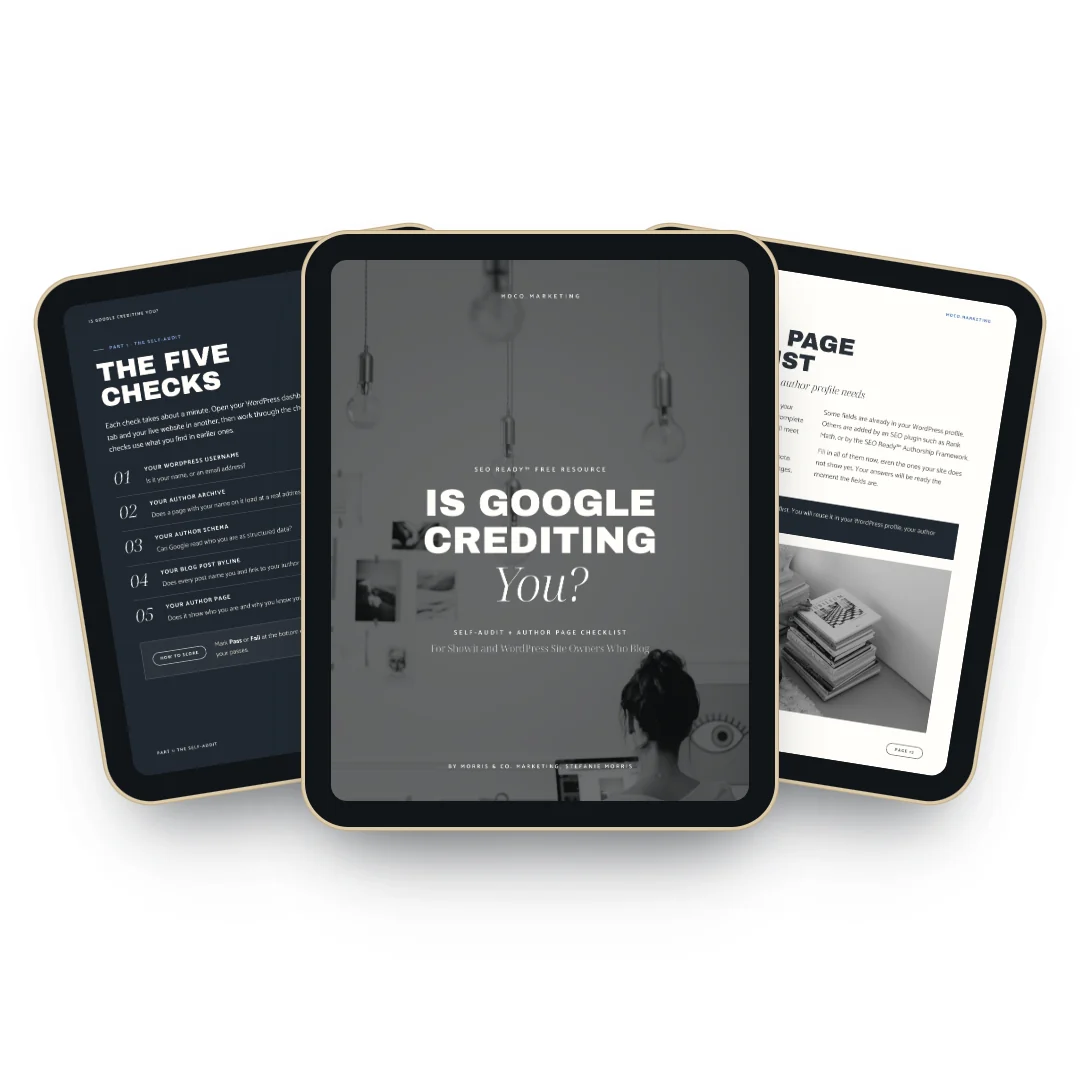
The “Is Google Crediting You?” self-audit is a free 17-page PDF for Showit and WordPress site owners who blog. Five author SEO checks, about five minutes, no code, plus an Author Page Checklist with every field your author profile needs.
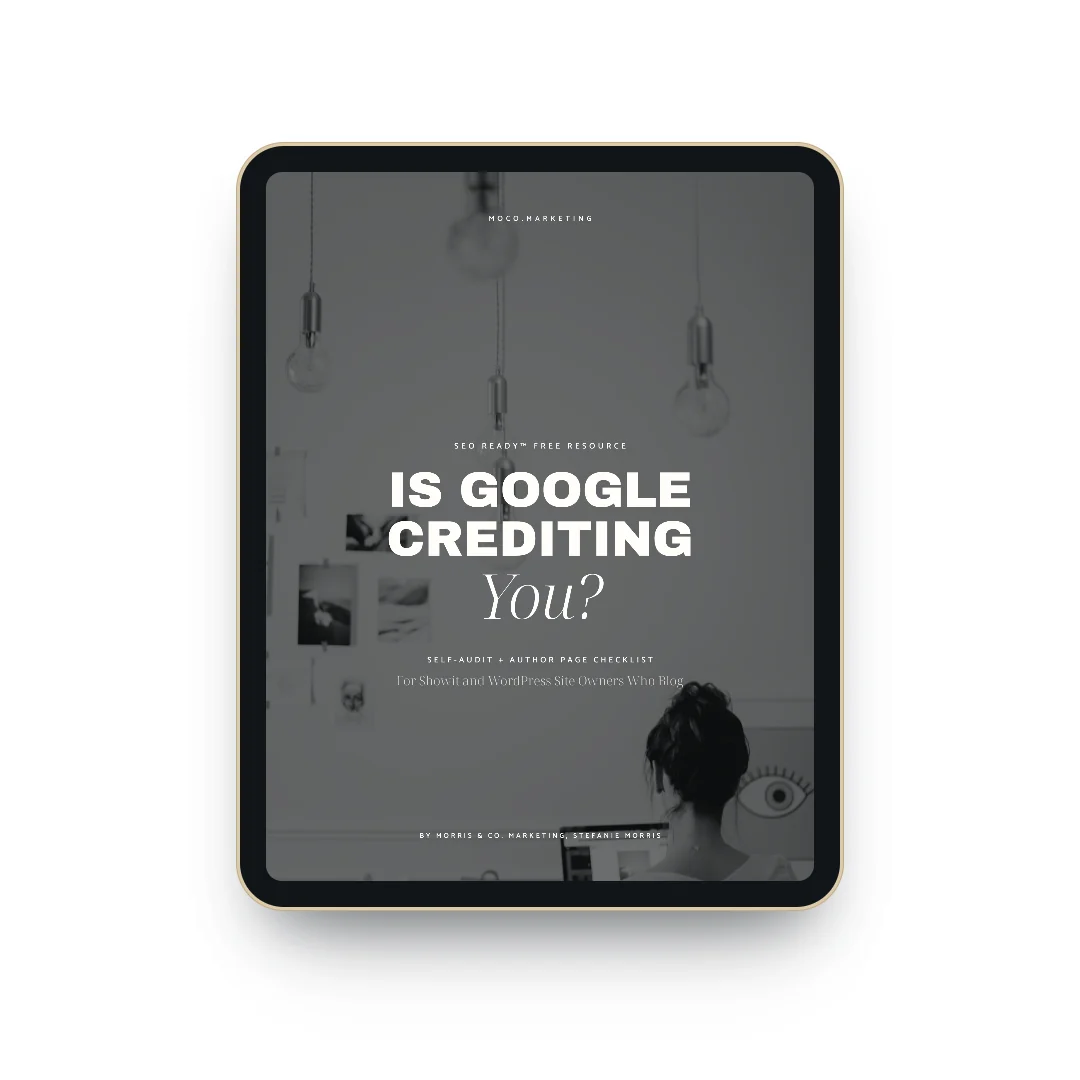
Author SEO Self-Audit
Free 17-page PDF → instant delivery → unsubscribe anytime

Author Attribution on Showit Sites
You wrote the posts, but your site may not tell Google that
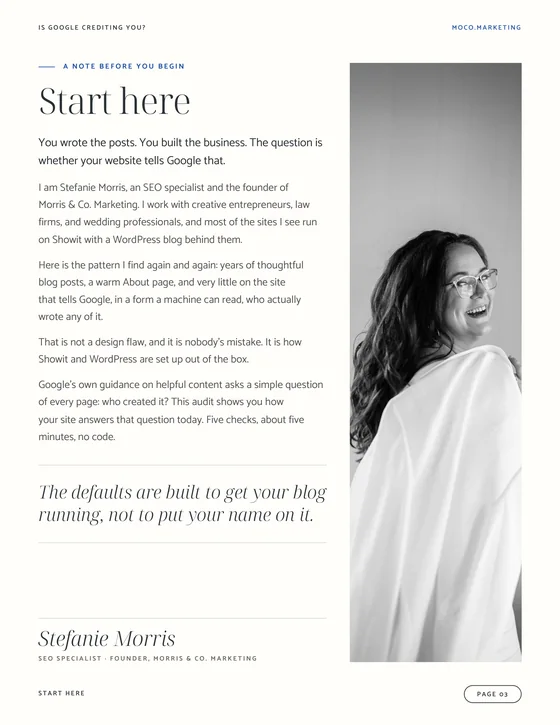
Most Showit sites we review have years of thoughtful blog posts and a warm About page, yet very little that tells Google, in a form a machine can read, who wrote any of it.
That is not a design flaw, and it is nobody’s mistake. Showit and WordPress often arrive this way: an email address as your username, author archives switched off, no Person schema, and blog layouts that leave the byline out.
Google’s guidance on helpful content asks who created each page, how, and why. This audit shows how your site answers the first question today.
What You Get
Two resources, five checks, one clear answer
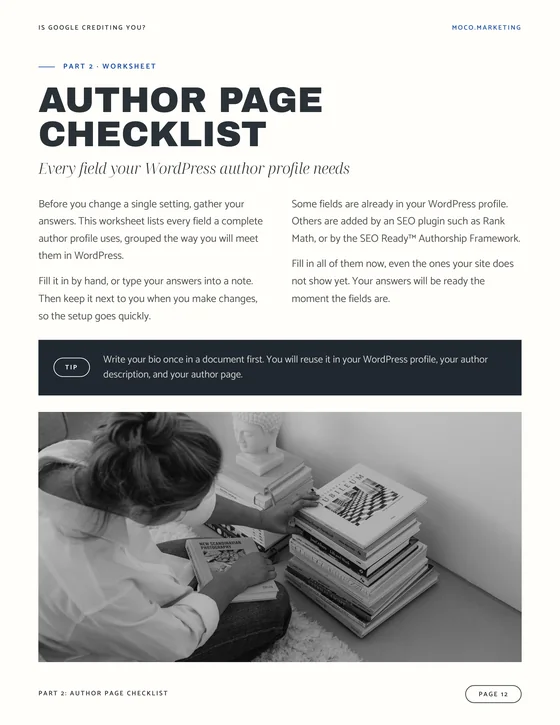
The self-audit walks you through each check with where to look and what you should see. The companion Author Page Checklist lists every field a complete author profile uses, so your details are ready before you change a single setting.
- Five checks, each with where to look, what you should see, and what it means if yours looks different
- A score page that shows where your author setup stands and what to fix first
- The Author Page Checklist, a worksheet grouped in the order you reach each field in WordPress
Free 17-page PDF → delivered instantly by email
The defaults are built to get your blog running, not to put your name on it.
SEO Ready™ Authorship
The five author SEO checks inside the self-audit
Seventeen pages for Showit and WordPress site owners who blog. Each check takes about a minute.
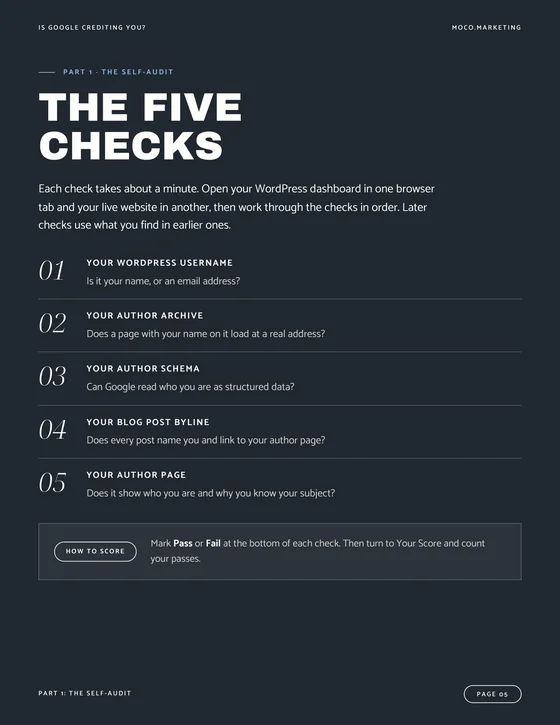
Your WordPress username
Is it your name, or an email address? WordPress builds your author URL from this one field, and it follows every post you publish.
Your author archive
Does a page with your name on it load at a real address? If it redirects or returns a 404, Google has no author page to reference.
Your author schema
Can Google read who you are as structured data? Google’s Rich Results Test and the Schema Markup Validator show the answer in about a minute.
Your blog post byline
Does every post name you and link to your author page, or does it show admin, an email address, or no author at all?
Your author page
Does it show your photo, bio, job title, the topics you know best, and links to your profiles? The check scores eight items, and six or more is a pass.
How It Works
From sign-up to your author SEO score in three steps
No login and no course portal. The PDF arrives by email, and every check runs with your WordPress dashboard in one tab and your live site in another.
Sign up
Fill in your first name and email, then hit send. That is all the sign-up asks of you.
Check your inbox
The self-audit lands in your inbox within minutes, as a 17-page PDF you can work through in one sitting.
Run the five checks
Mark each check pass or fail, count your score, then fill in the Author Page Checklist so your details are ready.

SEO Specialist, Stefanie Morris
Stefanie Morris is an SEO specialist and the founder of Morris & Co. Marketing, the marketing agency behind MoCo.Marketing. She provides done-for-you SEO for creative entrepreneurs, law firms, and wedding professionals.
She spent nearly a decade as a destination wedding photographer, building SEO systems that booked weddings in markets including Charleston, Savannah, Boston, Newport, and Aruba. Her eye for detail was refined during her degree in Historic Preservation and Community Planning at the College of Charleston.
Today her specialties include WordPress SEO, Showit SEO, image SEO, and authorship SEO.
The self-audit distills the first checks of the SEO Ready™ Authorship Framework, the step-by-step author setup she built for Showit sites.
Fix what you found with the SEO Ready™ Authorship Framework
The SEO Ready™ Authorship Framework is the step-by-step fix for every gap the self-audit finds, built for Showit sites on the Advanced Blog plan and set out in the order that keeps your posts safe.
- A guide to creating a new admin user, the way around the Showit username limitation, with your posts moved to your name
- WPCode snippets for ProfilePage and Person schema, fed by the fields in your checklist
- A Showit author box template you import and style to match your site
- Rank Math settings for your author archive, author URL, and social profiles
- A written SOP with annotated screenshots, setup guides, and a step-by-step video walkthrough

Who It Is For
Made for Showit and WordPress site owners who publish blog content
Built for creative entrepreneurs, photographers, designers, and wedding professionals who blog on Showit or WordPress. If you publish content and want to know whether Google can connect it to your name, this audit answers that in about five minutes.
This is for you if
- Your Showit or WordPress site has a blog with posts you wrote yourself.
- You are not sure whether your posts show your name, admin, or an email address.
- You want to know where your author setup stands before you change anything.
Not for you if
- Your site has no blog and no plans to start one.
- Your site runs on Squarespace or Wix, without a WordPress blog.
- You would rather skip the audit and fix everything now. That is the SEO Ready™ Authorship Framework.
The Cost
Find out in five minutes
Enter your first name and email, and the self-audit and Author Page Checklist arrive in your inbox right away.
$0.00 – Completely Free
- 17-page PDF
- Instant email delivery
- Unsubscribe anytime
Every post you publish before you check is one more post Google may not connect to your name. The audit takes about five minutes.

Trusted by wedding vendors and creative entrepreneurs
Everything the self-audit covers
Every page is built to act on, not just read. Here is what is yours the moment it lands.
- Check 01: your WordPress username
- Check 02: your author archive
- Check 03: your author schema
- Check 04: your blog post byline
- Check 05: your author page
- A score page with your next step
- The Author Page Checklist worksheet
- Why each author field matters
FAQs
Your Author SEO Self-Audit FAQs
Is it really free?
Yes. The self-audit and the Author Page Checklist are completely free, with no credit card. Both land in your inbox by email right after you sign up.
Will this work for my Showit site?
Yes. The checks are written for Showit sites with a WordPress blog, and every step works the same on a standalone WordPress site. Each check names where to look in WordPress and on your live site.
Do I need to know code or schema?
No. Every check uses your WordPress dashboard, your live site, or two free tools: Google’s Rich Results Test and the Schema Markup Validator. You read what is there, and nothing on your site changes while you check.
What is author SEO?
Author SEO is the setup that tells Google who wrote your content: your username, author archive, Person schema, bylines, and author page. Google’s guidance on helpful content asks who created each page, and these five places are how your site answers.
What happens after I sign up?
You get an email within minutes with your self-audit, followed by a few short SEO Ready™ emails on author SEO from Morris & Co. Marketing. Unsubscribe anytime.
Find out whether Google credits you for the work you publish.
While you wait for your inbox
All Free Resources
Browse our free guides and checklists
See the full library of SEO Ready™ freebies for creative entrepreneurs, law firms, and wedding professionals.
From the Blog
The anatomy of blog author pages
What a blog author page needs to show readers and Google who wrote your posts.
